
How to Activate WhatsApp with a Delivered Number and Code Link
October 16, 2026
BuyWhatsAppAccounts Team· Customer support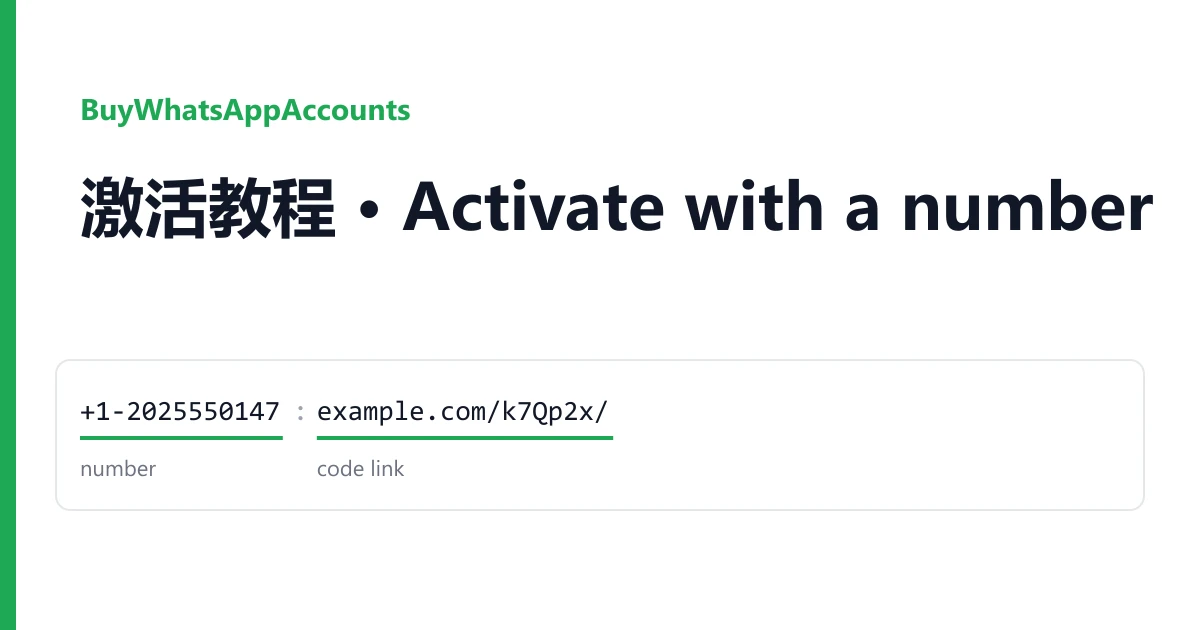
Most orders here are not a finished account. They are a phone number plus a web page where the WhatsApp activation code for that number shows up, and you create the account on your own phone. This guide walks through that, and ends with a shorter part for listings that sell an account that is already set up.
Your delivery is on the order page in your dashboard, one number per line. Read the whole guide before you request a code: WhatsApp codes expire within minutes, and asking for too many puts the number on a timer.
What the delivered line means
A typical line has this shape. The values are made up, and the short label in the middle changes from batch to batch, often in another language:
+1-2025550147----label http://www.example.com/k7Qp2x/| Part | Example | What to do with it |
|---|---|---|
| Country code | +1 | Pick the matching country in WhatsApp. +1 is shared by the US and Canada; choose either. |
| Number | 2025550147 | Type it after the country code, digits only, no dash. |
| Separator and label | ----label | Ignore it. It only separates the number from the link. |
| Code link | http://www.example.com/k7Qp2x/ | Open it in a browser. This page shows the code sent to the number. |
Some lines carry a few extra characters before the number or after the link; ignore those too. A few listings deliver only the number, written like +1 (202) 555-0147: on those, the code reaches you the way the listing describes, usually through the ticket on your order. Listings marked "manual delivery" send the number and the code by hand in that ticket, so keep the order page open.
Before you ask for the code
- Install or update WhatsApp, or WhatsApp Business, on the phone you will keep using. You decide which one: the number has no account on it yet.
- If WhatsApp on that phone already runs your own number, use a second phone, or your phone's dual-app feature. Signing up a new number in the same app would sign your own number out.
- Open the code link in a browser tab and leave it open.
Activating the number
- Open WhatsApp, agree to the terms, and choose the country that matches the country code.
- Type the number and confirm it. Check it twice: a typo sends the code to someone else's phone.
- Choose to receive the code by SMS.
- Switch to the code link and refresh it. The new message appears within a minute or two. Use the most recent code only; older messages on the page are from earlier attempts.
- Type the six digits into WhatsApp. It may also ask for permission to read your contacts and media; that is up to you.
- Enter a profile name. The account is now active on your phone.
If WhatsApp says to wait before requesting another code, wait. Every extra request can lengthen the timer, and the number cannot be used by anyone in the meantime.
Secure it the same day
The code link only works for the period the listing states. One listing offers self-service codes for one to two months; many others stop much sooner. Once that period ends, nobody can receive a new code for this number, so set the account up to survive without one:
- Open Settings, then Account, then Two-step verification, and turn it on.
- Choose a six-digit PIN that you will remember, and add an email address you own. If WhatsApp ever asks for the PIN and you have lost it, that email is how you reset it.
- Turn on chat backup if you want your messages to survive a new phone.
With the PIN set, WhatsApp asks for it whenever the number is registered on a phone again, so a code for this number alone is no longer enough to take the account over. WhatsApp also asks you for the PIN from time to time so you do not forget it.
Ready accounts: a shorter version
Listings sold as ready accounts were activated before the sale. You sign in the same way: enter the number from your order, then collect the code from the link or the ticket. Two differences:
- The listing that signs in by email sends WhatsApp's code to the linked mailbox instead. The mailbox login is in your order; sign in to it first, then request the code.
- Once you are in, open Settings, then Linked devices, and log out any device that is not yours. Then set your own two-step PIN and email as above, replacing anything that was there.
A ready account keeps the type its listing states: WhatsApp or WhatsApp Business. None of the listings include the WhatsApp Business Platform (API), a verified badge, contacts or groups.
Something did not work
No code on the link page
Refresh after a minute. If it is still empty, ask WhatsApp to send the code once more, only once, then report it.
WhatsApp says the number is already registered or banned
Do not try other numbers in the same app straight after; take a screenshot of the message and report it.
"Try again in" a number of hours
The number is on a timer. Screenshot the message and report it if the wait runs past your warranty window.
How to report
Open a ticket from your order page within the warranty window shown on the listing. Include the number, what WhatsApp showed, and a screenshot of that screen or of the empty code page. You get another number or account from the same listing, or a refund if that listing has run out. Signing in does not void the warranty. Bans that follow bulk or unsolicited messaging, or other automated activity, are not covered, and WhatsApp's own terms do not allow accounts to be transferred, so use the account only to message people who expect to hear from you.
The catalogue lists numbers and ready accounts by country code, and the home page explains how the two kinds of listing differ.